
News
OpenCode 2.4 adds a persistent browser to its desktop coding app
OpenCode’s November 23 desktop release puts a persistent browser beside the coding session, with optional import from Chrome, Edge, Firefox or Safari.
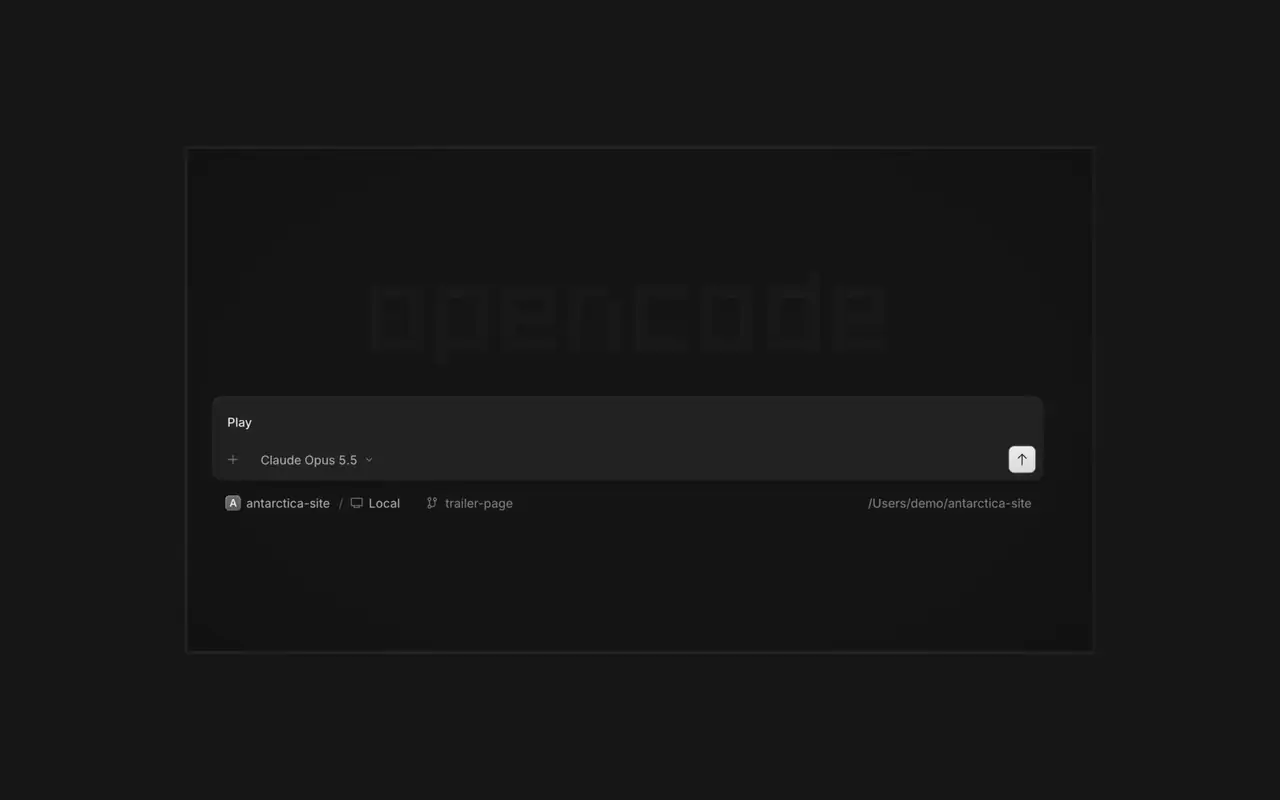
When you’re adjusting a web page, the work usually crosses two apps: one where you change the code and one where you see what the change actually did. OpenCode 2.4.0, released November 23, adds a built-in browser to its desktop coding app. A page can sit next to a session rather than in a separate browser window. That gives you a way to look at the thing you’re building without losing your place in the conversation about it.
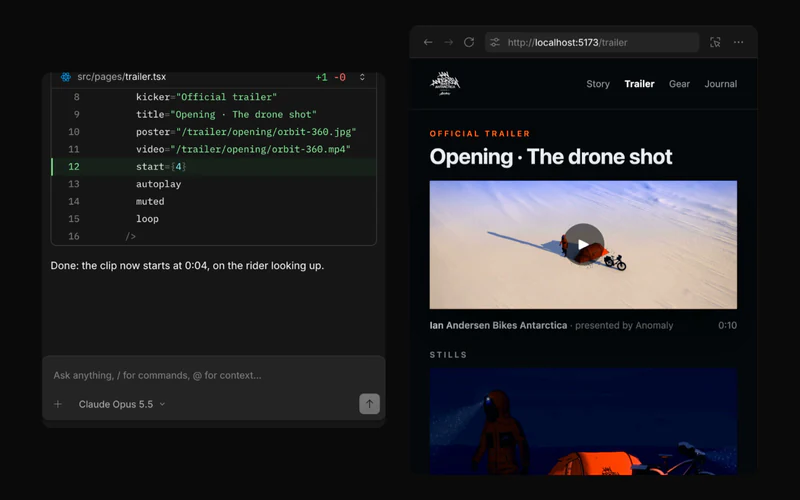
The browser can keep its place
The key part is that the desktop browser has a persistent profile. Its tabs can survive a restart. The makers also say you can import browser history and sign-ins from Chrome, Edge, Firefox or Safari, and install extensions from supported Chromium browsers or the Chrome and Edge stores. OpenCode says its assistant can interact with the same browser pages, so a page in that pane isn’t just a static preview.
Importing your everyday profile is optional. A separate setup for one work project is an easier place to start if you don’t want personal sign-ins and history associated with your coding workspace. There’s no need to import everything just to open a development site next to your code.
What else changed on desktop
In the same release, pages that open a new tab now place it beside the tab they came from. On Windows, the app’s taskbar button displays session progress and calls attention to a question or permission request. That’s useful when a long-running task is out of view. The desktop changelog also lists a 2.4.1 update dated the same day with follow-up interface fixes, so 2.4.0 is the version that introduced the browser, not necessarily the newest installer you’ll see.
OpenCode lists desktop builds for macOS, Windows and Linux. The 2.4.0 release notes spell out what changed. If your main reason to update is the browser, try it first on a local project where you can see whether opening the preview next to your session actually saves you time.


Letters to the editor
0 commentsNo comments yet. Be the first to write in.