
News
DesignCraft adds contact sheets and multi-image placement in 0.21.1
The open-source layout editor can load several photos into the place cursor and create a contact sheet from the File menu.
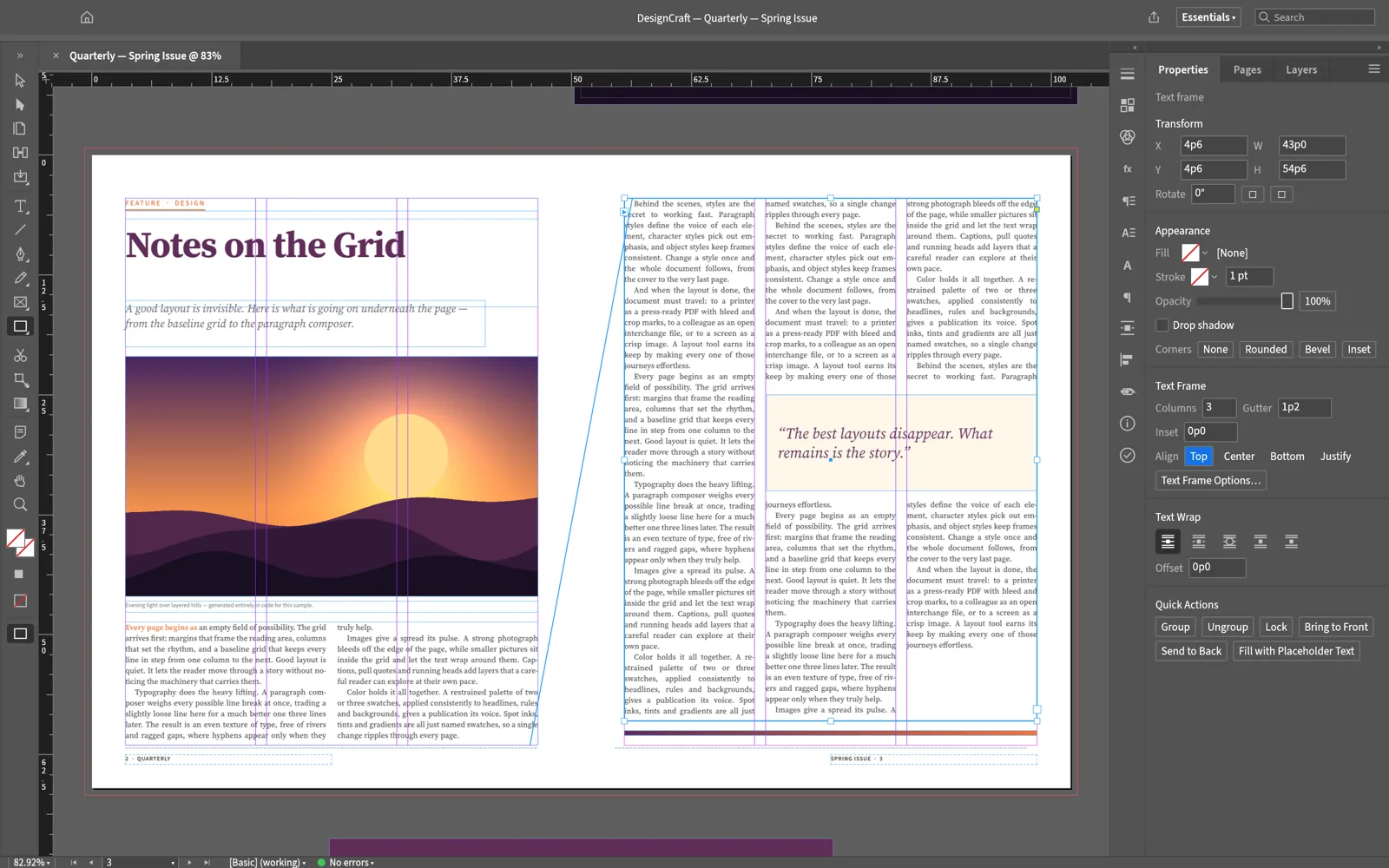
DesignCraft’s November 23 update improves the part of page layout where you decide which photos should go where. Version 0.21.1 lets you load several images into the place cursor and place them one by one. It also gives contact sheets a command in the File menu. If you just have one or two images to add, the editor now supports direct image drag-and-drop too.
Work through a folder without opening it over and over
A contact sheet fits several photos on one page so you can compare them at a glance. If you took a long sequence of similar product shots, that can help you see which one reads best at a small size. It’s useful before you’ve spent time positioning or resizing every photo. The loaded cursor helps with the following step. It shows a thumbnail and a count, so you can place several selected images in a deliberate order without going back to the file picker for each one.
The update also adds an alpha option for text wrapping. Imagine a cut-out photo of a gadget against a transparent background. Rather than keeping the text clear of the entire rectangular image, the editor can use the visible outline. The update also changes how text can be spaced vertically in shaped or grid-aligned frames, and which styles can be applied to those frames.
What it doesn’t replace
DesignCraft positions itself as an open-source layout editor for macOS, Windows, Linux and the browser. The new actions help arrange images; they aren’t a replacement for retouching or a better original photo. If you’re only trying to compare a group of images, start with a contact sheet. If you already know which photos to use and need them placed in a specific layout, the multi-image cursor is the more relevant change. The project’s release notes include the rest of the changes and download options.




Letters to the editor
0 commentsNo comments yet. Be the first to write in.