
News
CleanShot X adds keyboard nudging for screenshot selection on Mac
CleanShot X 5.0.3 adds arrow-key position control and adjustable JPEG quality, followed by a Space key hotfix.
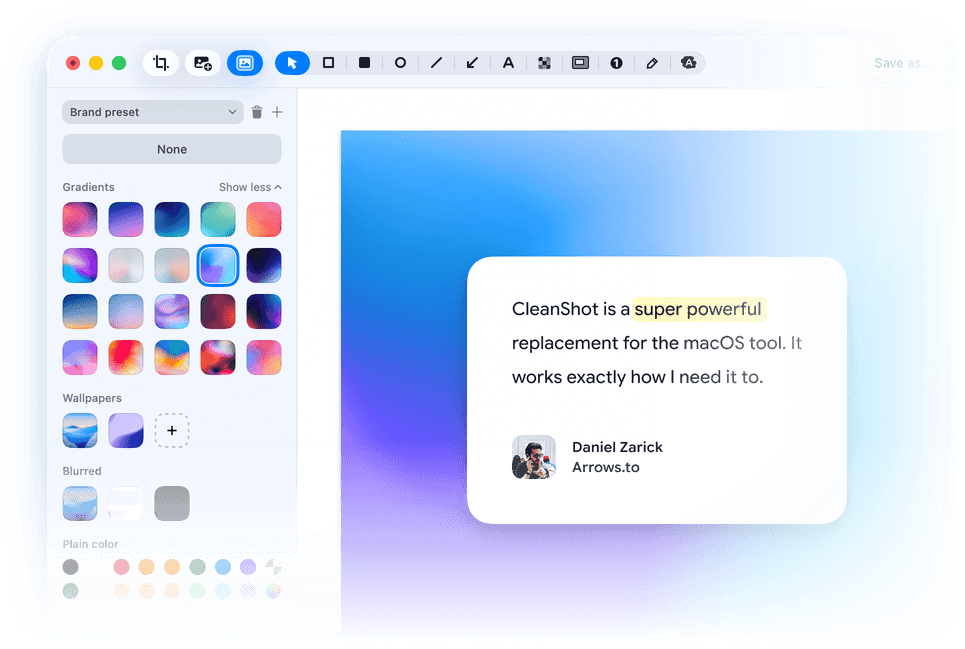
CleanShot X has changed the part of taking a screenshot that comes before the capture. Version 5.0.3 refreshes the area selection, timer and magnifier interfaces, and adds arrow-key control while selecting an area. The follow-up 5.0.4 update arrived November 24 with a fix for Space becoming unresponsive after a screenshot.
When arrow keys help
Dragging a selection is usually faster. Keyboard positioning is more useful when you need to move the crop just far enough to get rid of a toolbar, or when you’re trying to keep the margins neat across several images. It’s a small improvement if you only take the occasional screenshot. It’s a bigger deal if screenshots are most of what you put in documentation or a walkthrough.
There’s also a new JPEG quality setting. A quick support screenshot and a detailed illustration don’t have to use the same level of compression. If a small file matters more than the fine detail, you can choose that at capture without routing each image through another app.
Which release did what
The new capture controls are in the November 23 5.0.3 release. Its notes also flag fixes for Retina screenshots captured at 1x in some display setups and for imports with the wrong scale in Figma. The 5.0.4 entry is the follow-up hotfix for the Space key, not a second release of the new capture tools. Both are in the official CleanShot X changelog. If you want to check whether the update helps your workflow, try repeating one of the screenshots you normally have to reposition or resize. That’s a better test than trying the controls on an image you’d previously have taken in one drag anyway.

Letters to the editor
0 commentsNo comments yet. Be the first to write in.