
News
Nikon ZR 2.00 adds RED Log to H.265 and new monitoring controls
Nikon’s November 24 firmware adds RED Log capture to H.265 and more control over what camera operators see on set.
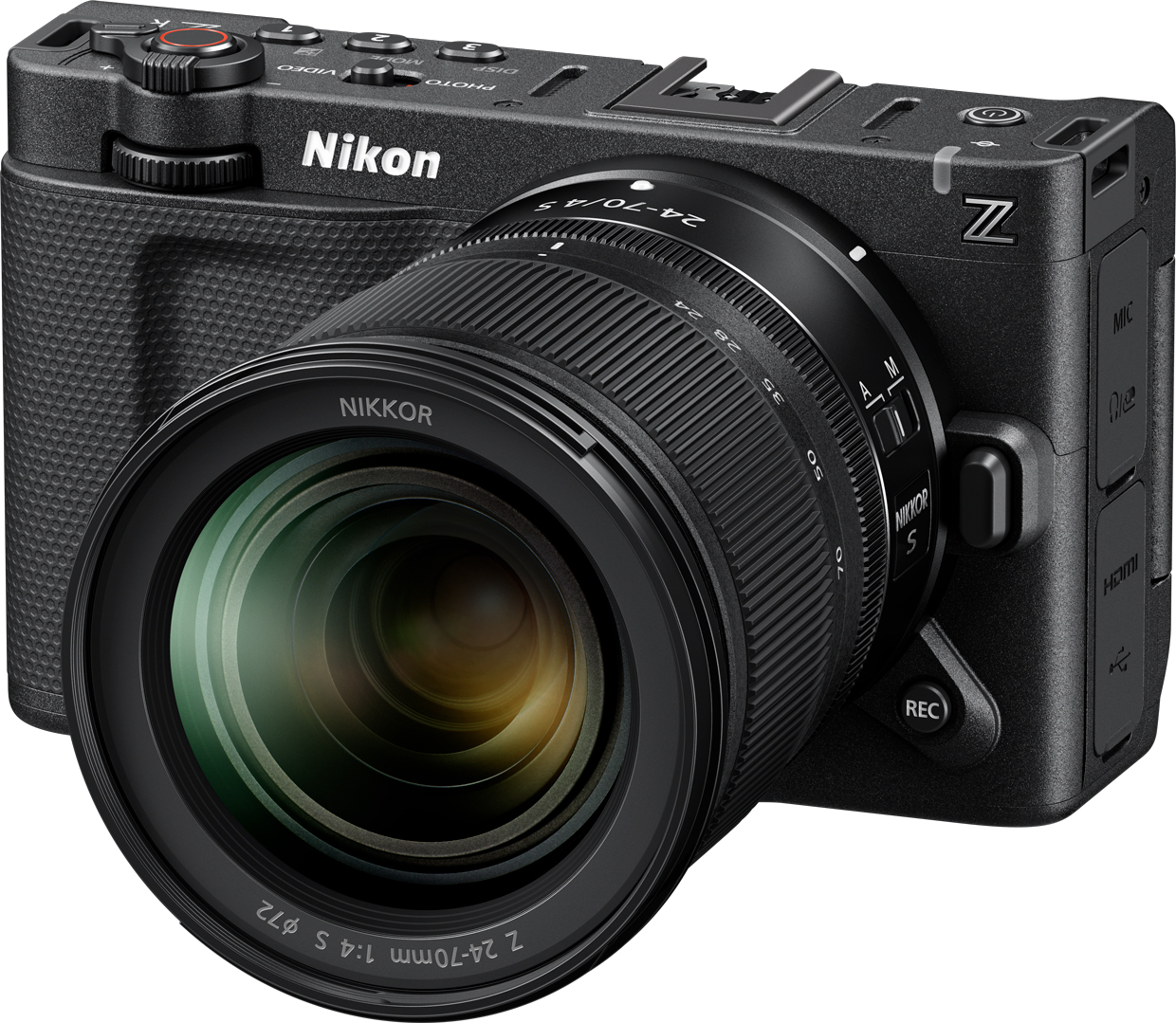
Nikon released ZR firmware 2.00 on November 24. Its most useful addition is a choice about how to record: you can now use RED Log3G10 and REDWideGamutRGB when recording supported H.265 footage. It’s a way to bring the RED color workflow to a recording that doesn’t have to be a RAW file. That matters if you like the grading approach but don’t want to use RAW for every shot.
Check the format before you choose a setting
Using these RED color settings with H.265 does not make the clip RED RAW. You’re still choosing an H.265 recording, with the trade-offs in file handling and editing that go with it. If you have already built a grade for one format, shoot a test and bring it into your editor before choosing it for an entire job. Nikon also gives compatible recording formats four noise-reduction settings. Check the exact mode in the firmware notes, rather than expecting the same options everywhere.

A better view of what’s happening on set
The update is also useful if you’re judging focus with a viewing look applied. Nikon adds focus peaking during R3D NE recording with a LUT active, as well as more control over LUT output via HDMI. That can help you see both focus aids and an image closer to the intended look. A monitor display is still a guide; check what’s being recorded separately before you plan the grade around it.
Nikon also added function assignments for display and dial controls. Before a paid or difficult-to-repeat shoot, update early enough to check your button setup, confirm what the external monitor shows and record a short clip in your chosen format. The Nikon release announcement accompanies the downloadable update; this is a software release for the existing ZR, not a new camera body.




Letters to the editor
0 commentsNo comments yet. Be the first to write in.