
News
KDE’s Kwi 0.1 Brings a GPU-Accelerated Terminal to Linux Desktops
KDE’s Kwi terminal makes its first release on Flathub, combining GPU rendering and Ghostty’s terminal engine with a Plasma-style interface.
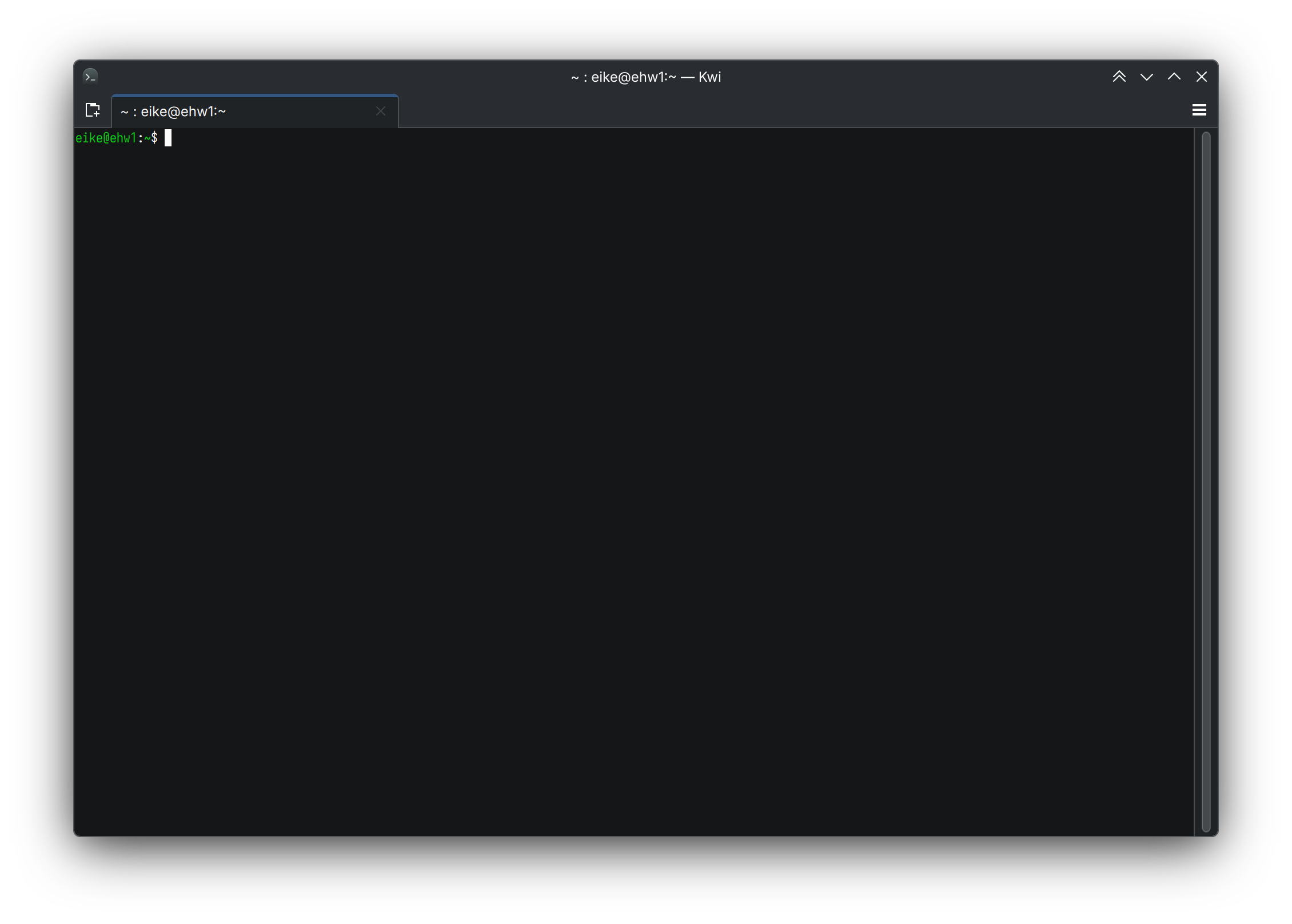
KDE’s new terminal has a little ghost for a logo. Its bigger trick is that it can use your graphics hardware to draw what’s on screen. Kwi has reached version 0.1.0, its first tagged release, with a source archive dated November 20 and an installable version on Flathub. It’s built to feel at home on KDE Plasma, but it isn’t limited to that desktop.

If your terminal usually shows a command and a few lines of output, this may not change your day. It gets more interesting when a terminal app updates a lot of text at once or draws images and animations inside the window. That’s where asking the GPU to do some of the drawing can make the interface feel more responsive. Kwi uses Qt’s scene graph and can render through Vulkan or OpenGL, while a library from the Ghostty project handles the terminal’s underlying text and commands.
What makes it feel like a KDE app
In the original project introduction, developer Eike Hein calls out automatic colour scheme changes, better handling of fractional scaling on Wayland, and improvements in how text can be exposed to screen readers. There is also support for modern terminal image features, so a compatible command-line app can display a preview without sending you to a separate image viewer.
The project is young. KDE has not announced that Kwi will replace Konsole, and Konsole remains the more mature choice if you rely on its particular features. The developer’s November 13 progress update described split panes as planned work rather than something to count on now.
Where to get it
Flathub lists the first release for both x86-64 and ARM64. The easy way to evaluate Kwi is alongside your current terminal, not instead of it. Try the shell and command-line tools you already use, see how they look on your display, and keep the terminal that does the job better for you.

Letters to the editor
0 commentsNo comments yet. Be the first to write in.