
News
Wootility 5.5 Beta Lets Wooting Keys Control Discord and OBS
Wooting’s November beta rebuilds its key mapping screen and adds app actions, custom symbols, keyboard-driven mouse movement and shareable remaps.
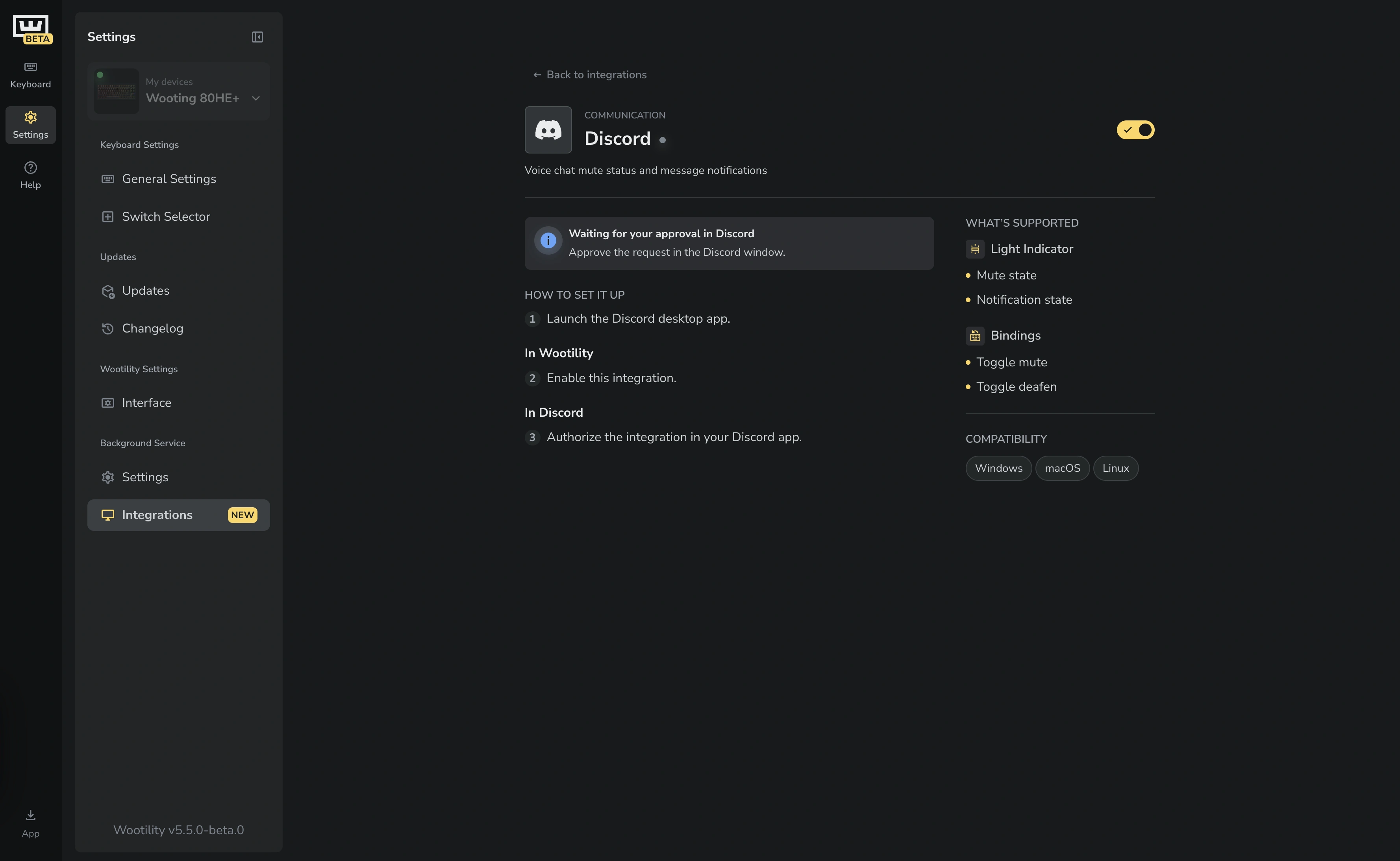
A key on your Wooting keyboard can now do more than type a character or fire off a familiar shortcut. In Wootility 5.5.0-beta.0, released November 19, Wooting rebuilt the Remap tab and gave it a new picker for app actions, shortcuts, symbols and mouse controls. The useful one for a streaming desk is app control. The company lists muting yourself in Discord and switching scenes in OBS as examples. It means an unused key can become a dedicated control without having to move your mouse over to another app in the middle of what you’re doing.
The new picker groups bindings so you can browse or search for them. You can record a key combination or choose a preset that follows your operating system and keyboard layout. There are options for mouse movement and scrolling, with adjustable speed, plus support for characters your physical keyboard may not have a dedicated key for. If you repeatedly use a currency symbol or a character from another language, that’s a better reason to try the feature than filling an entire layer with emoji just because you can.
There’s one important distinction with the new options. Wooting says symbols, emoji and integrations need its Background Service to be running. The main Wootility app does not have to be open, but those actions are not all self-contained keyboard functions you should expect to carry to any computer. To add an integration, open the Background Service area in Settings, set up the app there, and then look for its available actions in the Remap picker. That dependency is worth knowing if you move the board between a home desktop and a work machine.
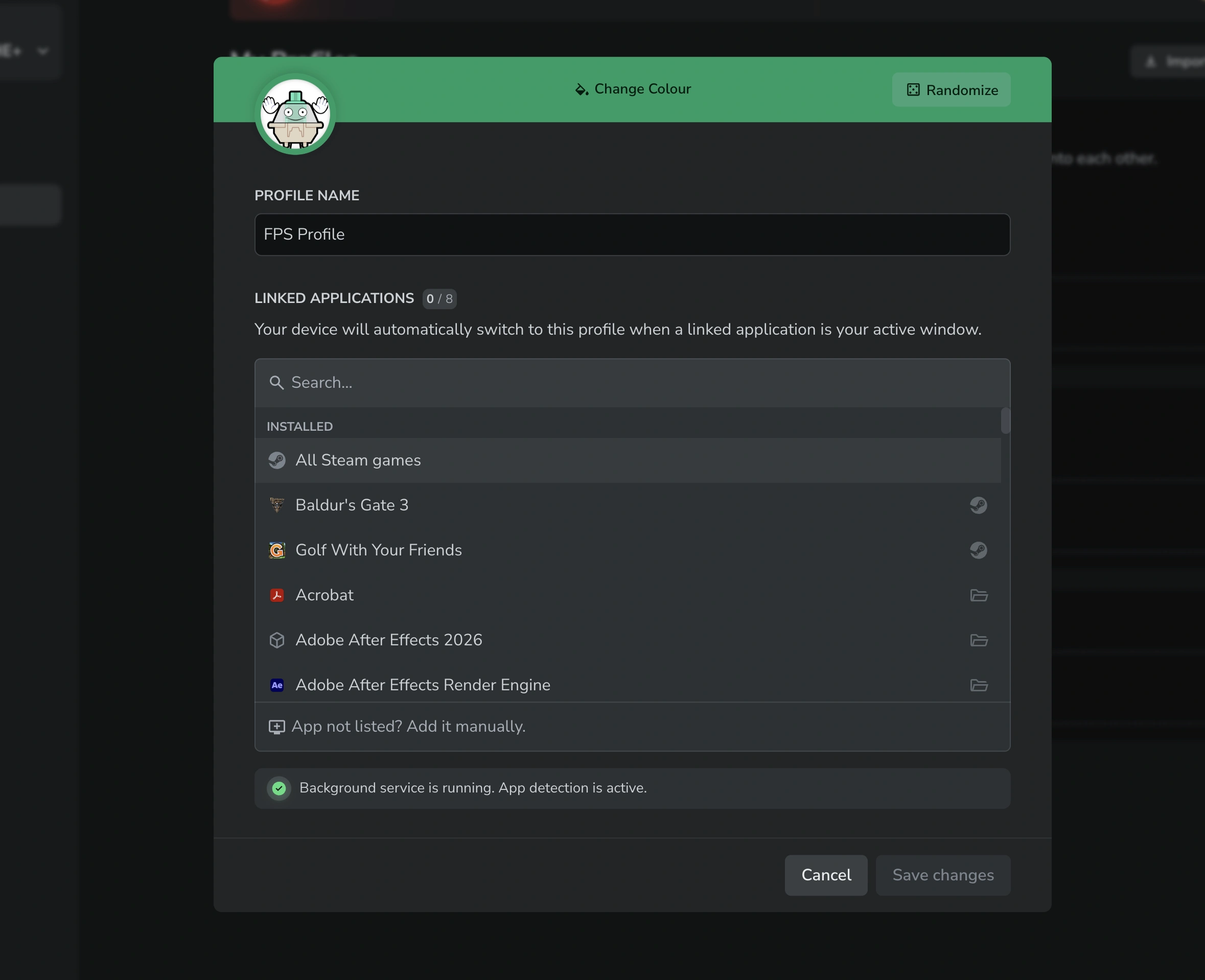
Wooting has also changed how it handles a shared layout. Global Remap is stored separately from individual profiles rather than tied to the first profile. You can link multiple profiles to it and keep certain bindings consistent across them. Edit a linked remap and the other profiles using it pick up that change, or unlink one profile when you want a genuinely different layout. If you have a profile for shooters and another for editing, that’s useful for keeping everyday shortcuts in the same place without manually repeating changes.
The beta also adds an in-app changelog and a Flames lighting effect, plus App Linking improvements including support for most Wayland desktops on Linux. Wooting marks Remap v2 and the new lighting effect as ARM features in its notes, so check your model instead of assuming every older board receives them. This is a beta, not a stable update. If your existing layout is critical for work, the reason to try it now is a specific new binding you need, rather than the version number alone.



Letters to the editor
0 commentsNo comments yet. Be the first to write in.