
Software
CERT-In asks WhatsApp users in India to update Android, iPhone and desktop apps
India’s cyber safety agency issued a high-severity WhatsApp security alert on November 26 and recommends installing app updates.
India’s Computer Emergency Response Team, better known as CERT-In, issued a new warning about WhatsApp on November 26, 2026. The agency's notice identifies multiple security issues affecting versions of the messaging service across Android, iPhone, Mac and Windows. The recommendation for users is straightforward: make sure the WhatsApp apps installed on your devices are updated.
The warning carries a high severity rating. It applies not only to the standard WhatsApp app but also to certain versions of WhatsApp Business on Android. WhatsApp has published its own security information, including updates addressing the relevant issues. This does not mean every account has been compromised or that users need to stop using the service. It underlines the importance of installing available fixes without unnecessary delay.
How to check your WhatsApp app for updates
On Android, open the Google Play Store and search for WhatsApp or WhatsApp Business, whichever app you use. If an Update button is displayed, install the new version. On an iPhone, use Apple's App Store to check for available updates. Users with automatic app updates enabled can still check manually rather than waiting for the next scheduled installation.
Anyone who also uses WhatsApp on a Windows PC or a Mac should review the desktop installation separately. Updating your smartphone app does not automatically install software on every linked computer. Use the official app store or WhatsApp's own download channel to obtain the latest desktop build. Avoid downloading supposed security updates from unsolicited messages or unfamiliar websites.
Additional ways to protect your account
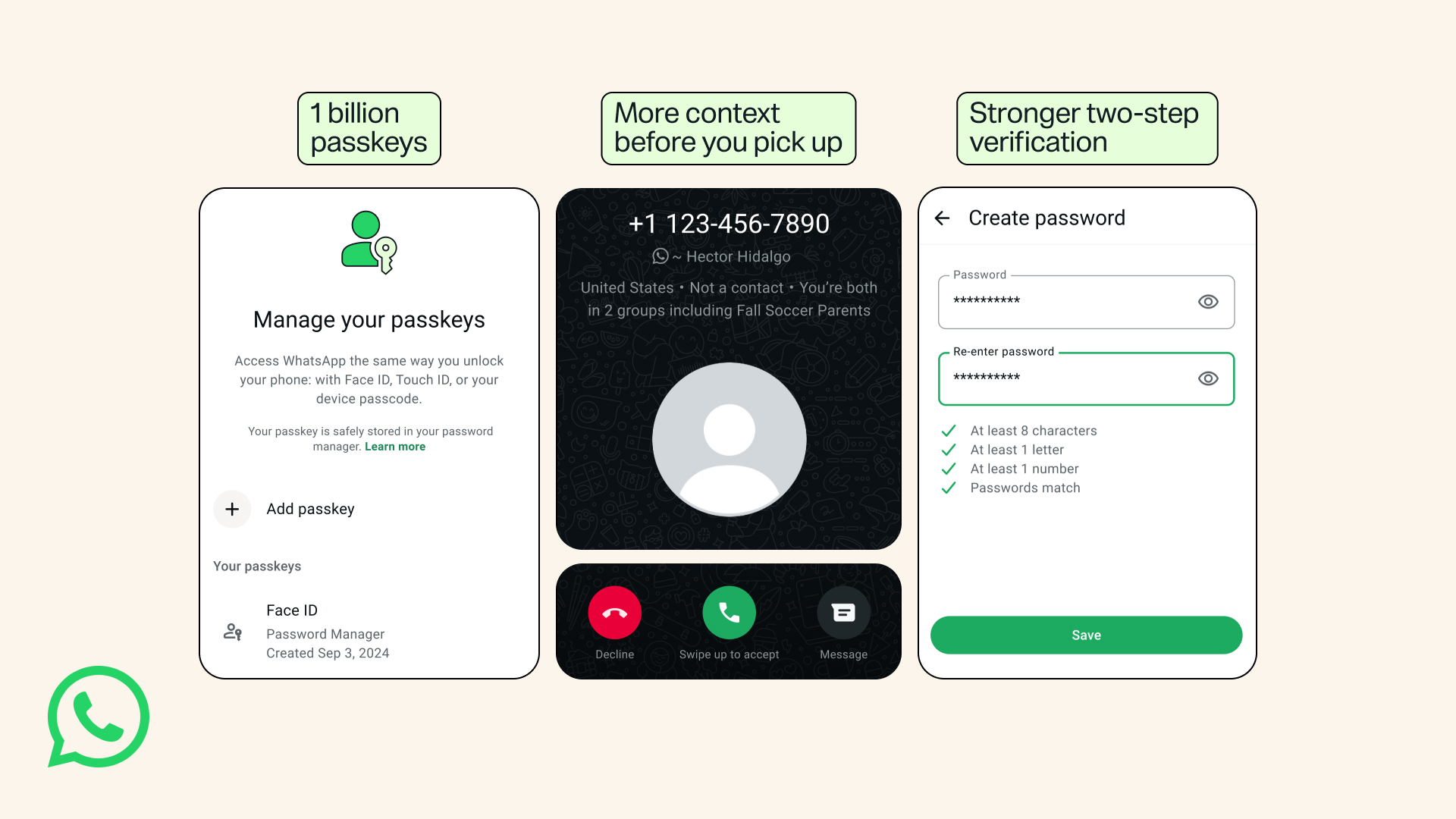
It is also worth reviewing the linked devices section in your account settings from time to time, removing sessions you no longer recognise or use, and activating two-step verification or a passkey where available. Never share your verification credentials with someone who unexpectedly contacts you. These are account-protection measures, although they aren't substitutes for installing security patches.
The practical takeaway is to regularly check each device for app updates. See the CERT-In notice and WhatsApp's security notices.




Letters to the editor
0 commentsNo comments yet. Be the first to write in.