
News
Android Family Hub starts appearing in Google Pixel Settings
Google’s Android Family Hub puts family sharing and account controls in Settings. Here’s where it has been spotted and what to check on your Pixel.
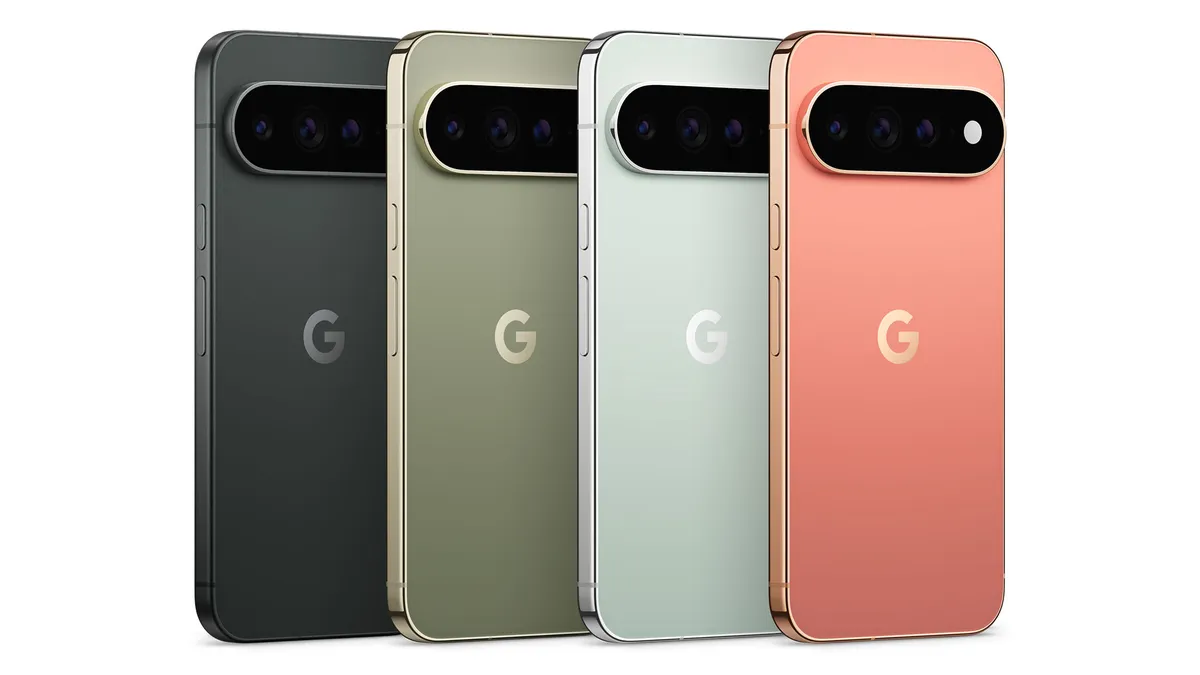
If you’ve ever tried to remember whether shared storage lives in Google One, purchase sharing lives in Google Play, or the family calendar lives somewhere else, Google is giving you a simpler place to start. Android Family Hub is showing up in Settings on some Pixel phones. It brings several pieces of your Google family group into one menu so you can see what’s shared without opening every app separately.
Google lists Android Family Hub under account management in its November Google Play services release notes. This is a feature delivered through Google’s system services, not necessarily something you have to wait for the next full Android software update to get. In its own testing, 9to5Google saw it on a Pixel 11 Pro XL still running the October system update, and it also appeared on a Pixel 10 Pro. Those are documented examples, not a complete compatibility list.
What does the Family menu do?
On the phones where it has appeared, the new section is called Family. It shows the people in your connected Google family group, which can include other adults as well as supervised child accounts. It also surfaces controls for shared Google One storage, the Google Play Family Library, family payment methods and family events in Google Calendar. The options you see depend on how your family group is set up. If nobody in your group shares a storage plan, for example, there’s no shared storage to manage.

There’s an easy way to understand why the change matters. Say someone joins the family and asks which benefits they can use. Instead of showing them three different apps, you can start in Settings and check what the group actually shares. If you’re already using Google Family Link to supervise a child’s account, don’t read this as a replacement for every Family Link control. Think of the hub as a place to find family settings faster.
Where to look on your Pixel
Open Settings and look for Family near the Google account and network sections. If it isn’t there, check that you’re using the Google account attached to your family group and that Google Play services is up to date. I wouldn’t reset the phone or enroll in an Android beta just to get this menu. The same family services still exist in their usual apps, and Google hasn’t publicly listed every handset and market that will get the hub or a date by which it will reach them all.


Letters to the editor
0 commentsNo comments yet. Be the first to write in.